Student portal 101
Updated August 11, 2026
Lobby
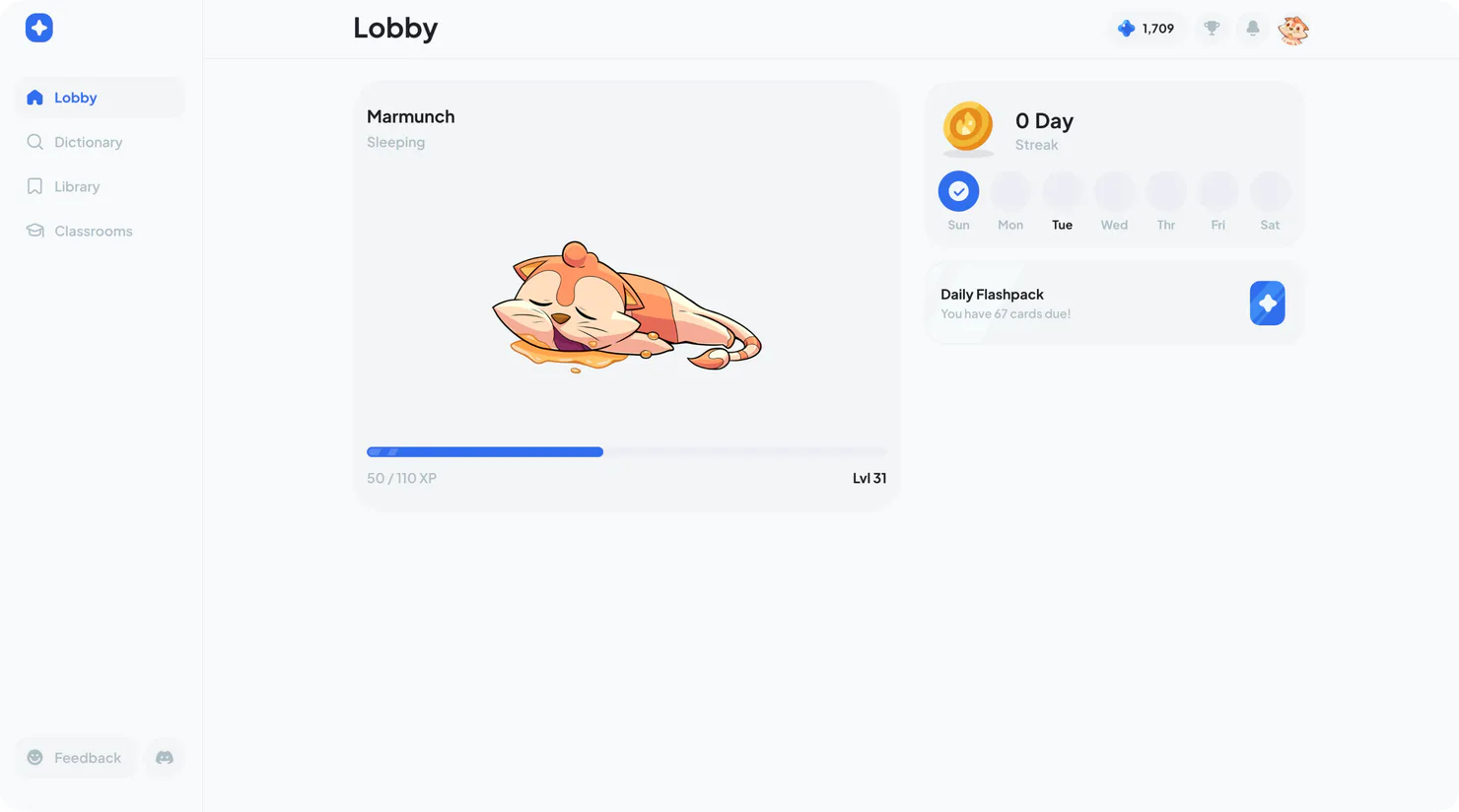
The Lobby is your home base in Ludus. From here, you can view your selected partner's level, begin your Daily Flashpack, and check your current learning streak!
Before studying, check that you have selected the correct language. Your saved vocabulary, classrooms, and learning schedule are organized by language, so switching languages changes what appears without deleting your work in another language.
Daily Flashpack
Your Daily Flashpack is the main study habit in Ludus. It uses spaced repetition to adapt vocabulary reviews based on how well you remember each flashcard. In each session, you rate your recall using Again, Hard, Good, or Easy. Cards you find easy appear less often, while harder words return more frequently.
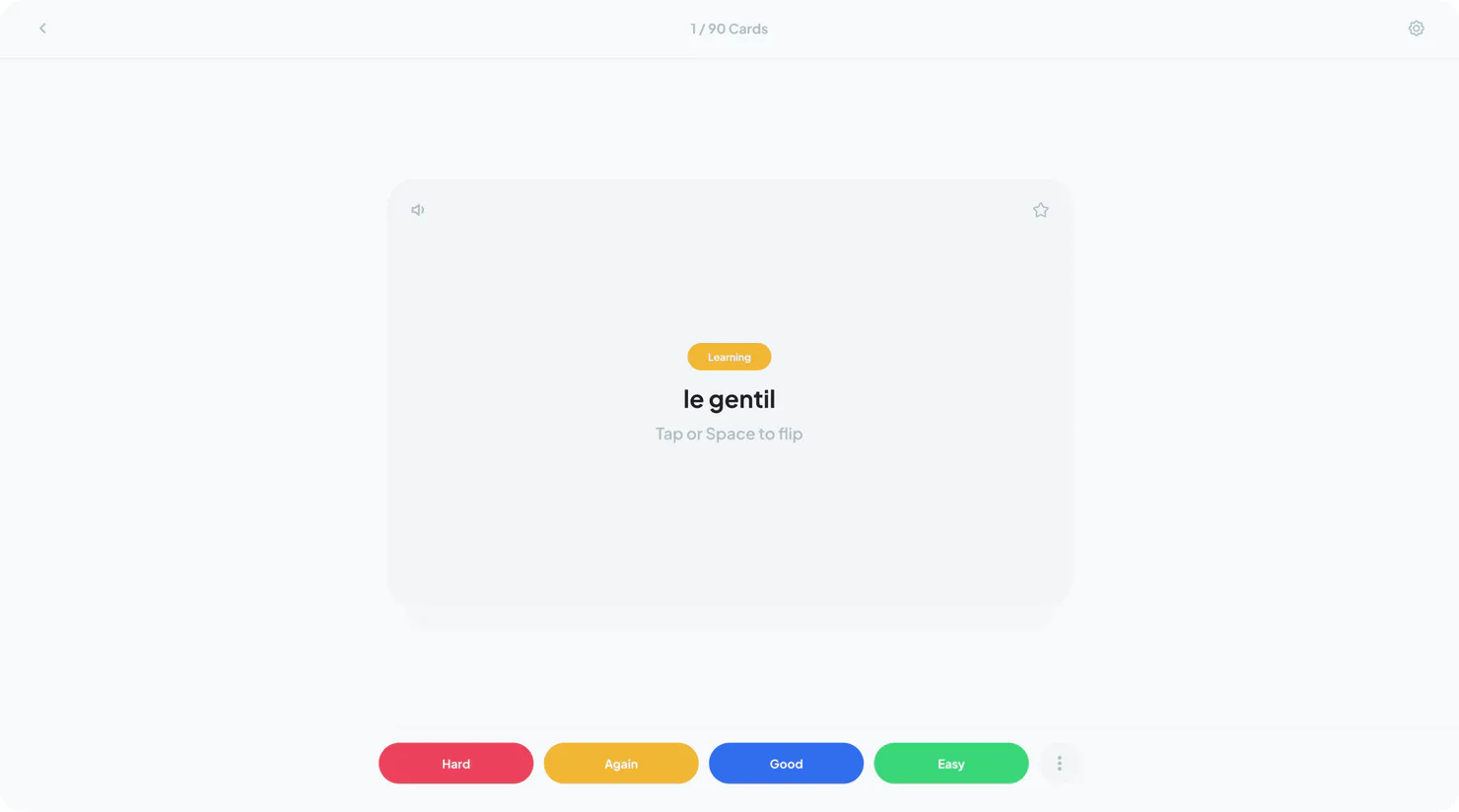
Try to remember each word before revealing the answer, then rate your recall honestly with the four buttons. That response helps determine when the word returns. Completing your Flashpack consistently can build your streak, earn XP, and strengthen your memory over time.
Dictionary
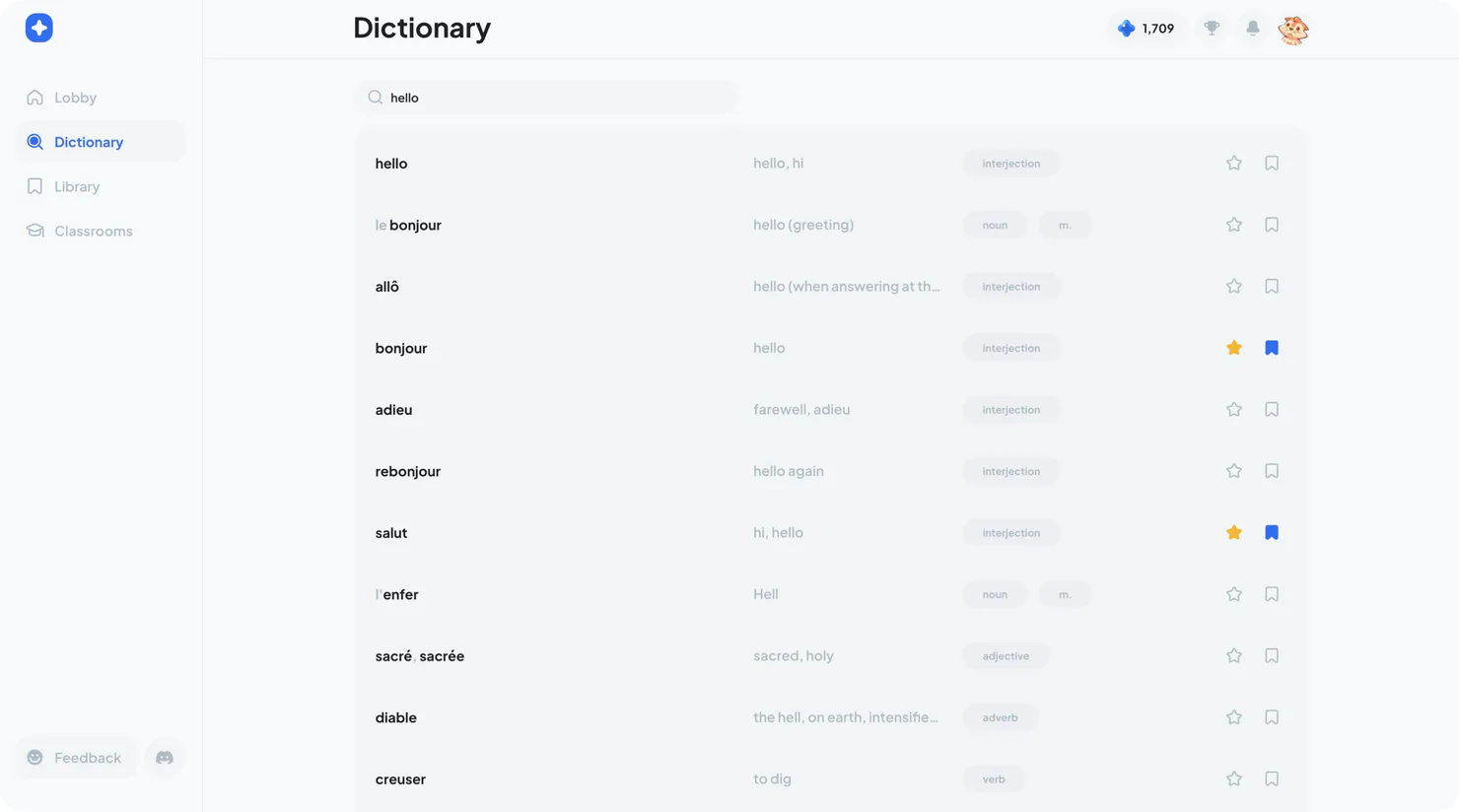
Use the Dictionary to search for vocabulary. Review the matching entries and choose the meaning and part of speech that fit what you want to learn. Tap the bookmark to save a word, or favorite it once it has been saved.
Library
The Library brings together your saved vocabulary sets for the selected language. It contains All Saved, personal sets you create, and classroom sets assigned by your teacher. You can start an activity from the Library or open a set to explore its vocabulary first.
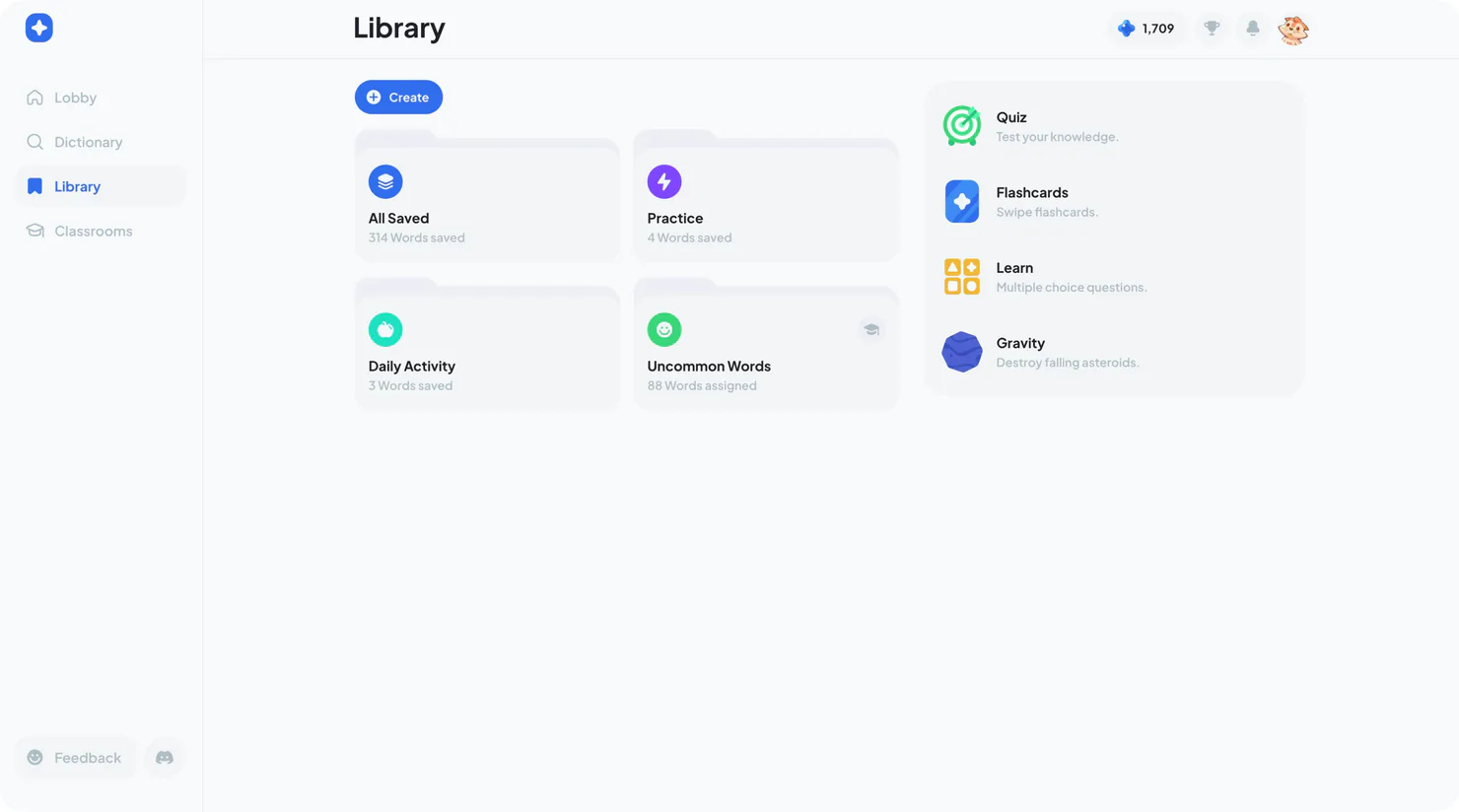
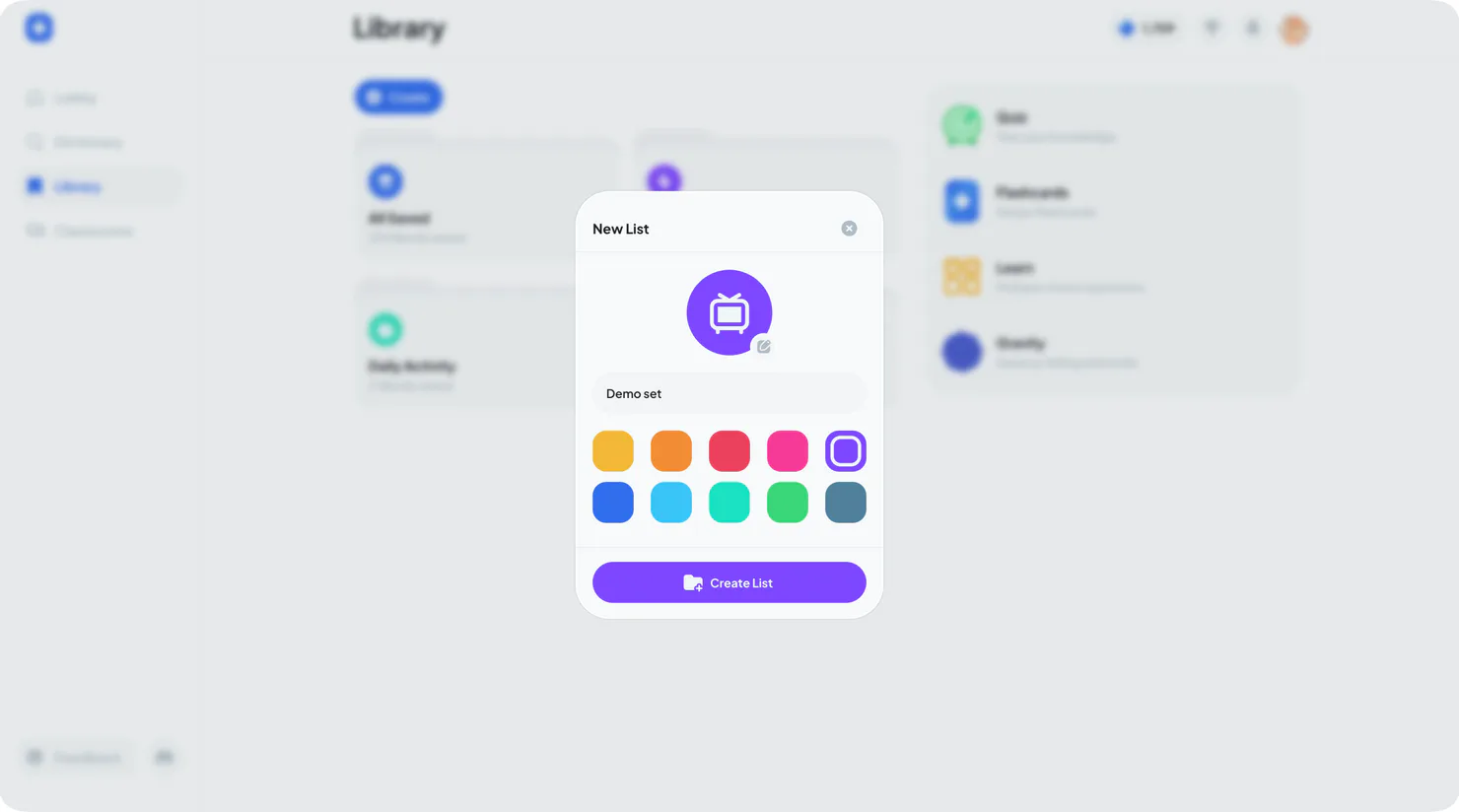
You can create a custom set by pressing the create button. All Saved is the complete collection of words you have saved, acting as a standalone set and an aggregate for all of your other saved words.
Vocabulary Sets
Vocabulary sets help you organize related words by chapter, topic, exam, trip, or personal interest. Open a set to browse its words or begin a study activity using only the material inside.
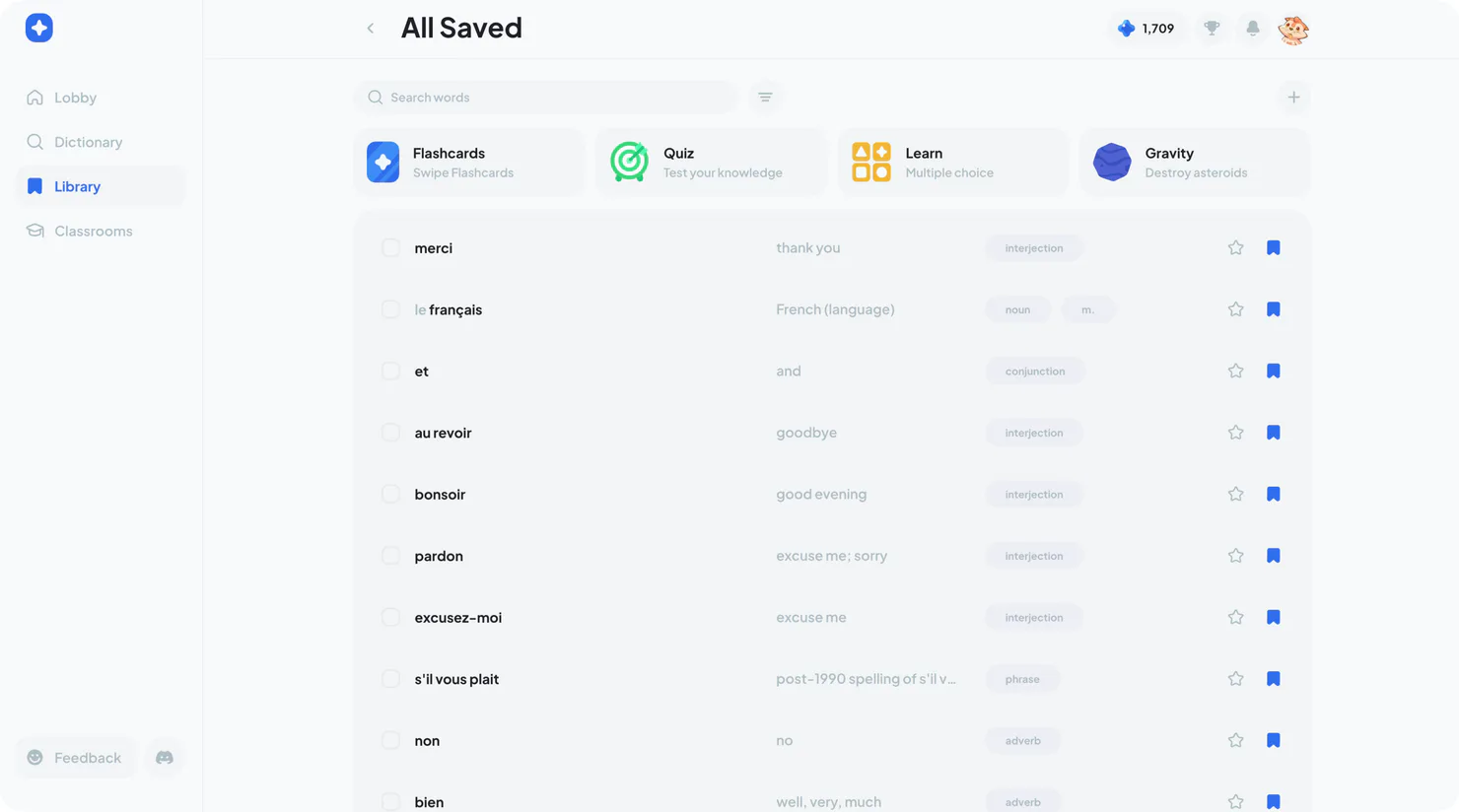
Sets you create are yours to edit and customize. Teacher-assigned sets are view-only because your teacher manages their words, but you can still open them, study them, and build your own learning history for the vocabulary inside.
Classrooms
Classrooms connect you with a teacher and the vocabulary they assign through class sets. Join a classroom with the code your teacher shares, or ask them to add you using your Ludus username. Once joined, the classroom appears in the Classrooms section for your selected language.
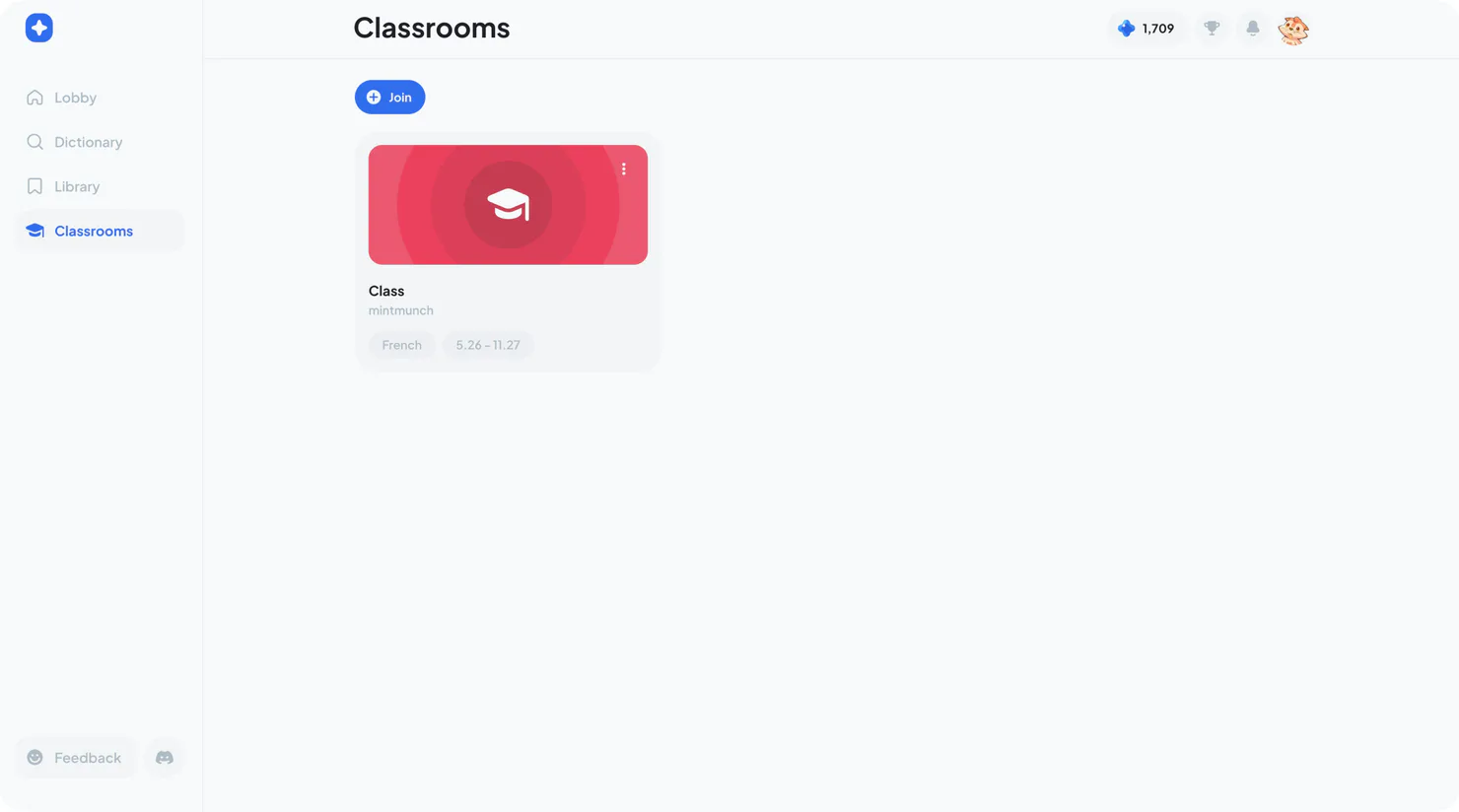
Open a classroom to find its assigned sets, see your classmates, and join live activities such as Showdown when your teacher starts one. Leaving a classroom removes access to its class sets and may affect your sponsored premium access, so always double-check with your teacher first!
Leaderboard
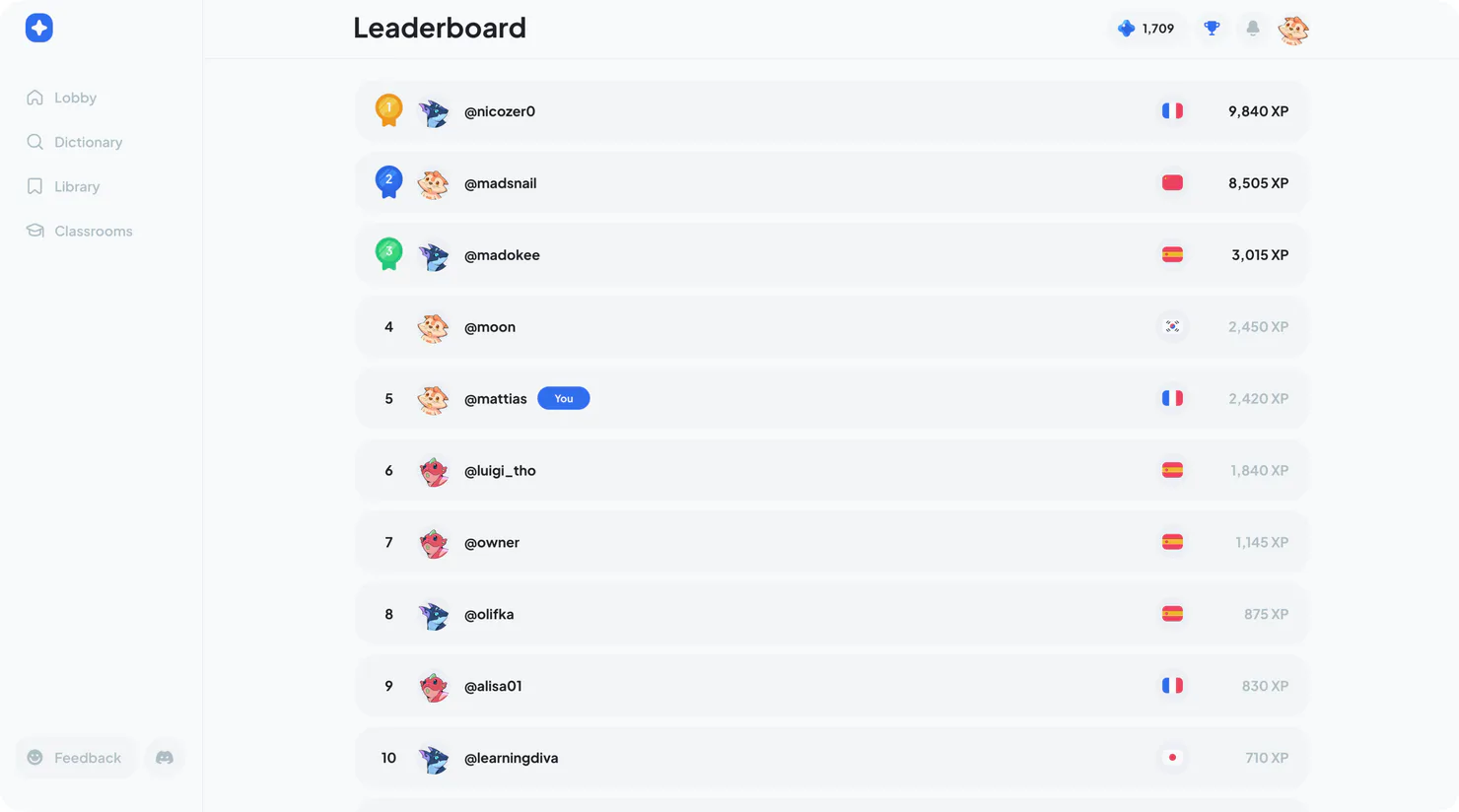
The Leaderboard shows how your XP compares with other learners around the world. Master new vocabulary as you reach for the number one spot!